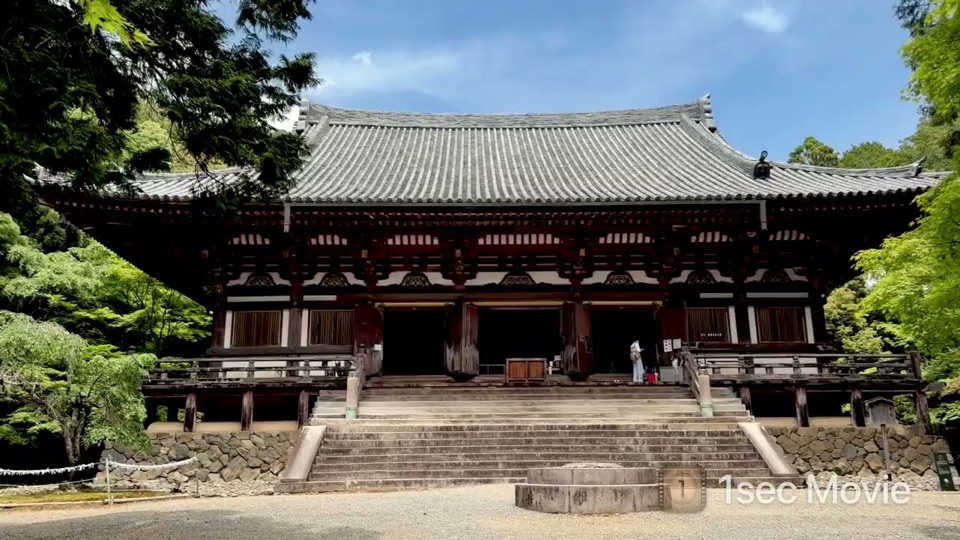
Landscape · 16:9
Connect your memories, one second at a time.
Choose photos and videos to connect their brief moments with a natural rhythm. For longer footage, let the app find highlights and shape them into one movie.


Two landscape examples and one portrait example, each shown in its original aspect ratio.


Nothing connects to YouTube until you press play. Playback then uses YouTube's privacy-enhanced mode.
Start from the workflow that fits what you have, without learning a complex editing timeline.
Choose your moments, then adjust their order, duration, music, and color before making one movie.
On-device analysis looks at audio and scene changes, then selects candidates from across a longer recording.
After selecting your media, you can review and adjust the result before generation.
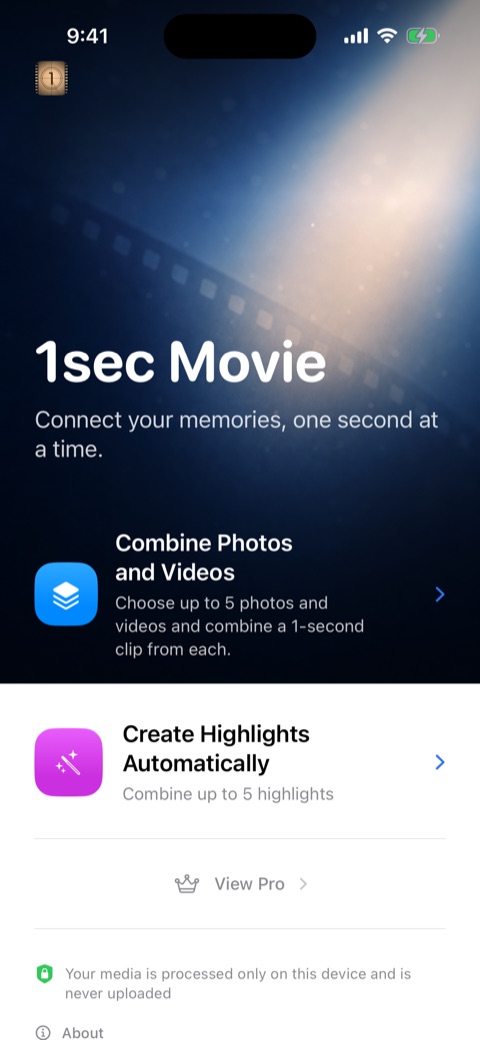
Pick “Combine Photos and Videos” or “Create Highlights Automatically,” based on the media you have.
Use the iPhone system picker to choose photos and videos, or one longer video for the app to analyze.
Review the order, clip duration, or selected highlights, then set the aspect ratio, music, and color tone.
Play back the finished movie, save it to your photo library, or send it through the iPhone share sheet.
On-device
The photos, videos, and audio you choose are not uploaded to a developer-operated server.